Structure your documentation – get better overview
Get automatic journal notes from all conversations. Structure the content from your conversations and have it presented in an overview that makes documentation easier.
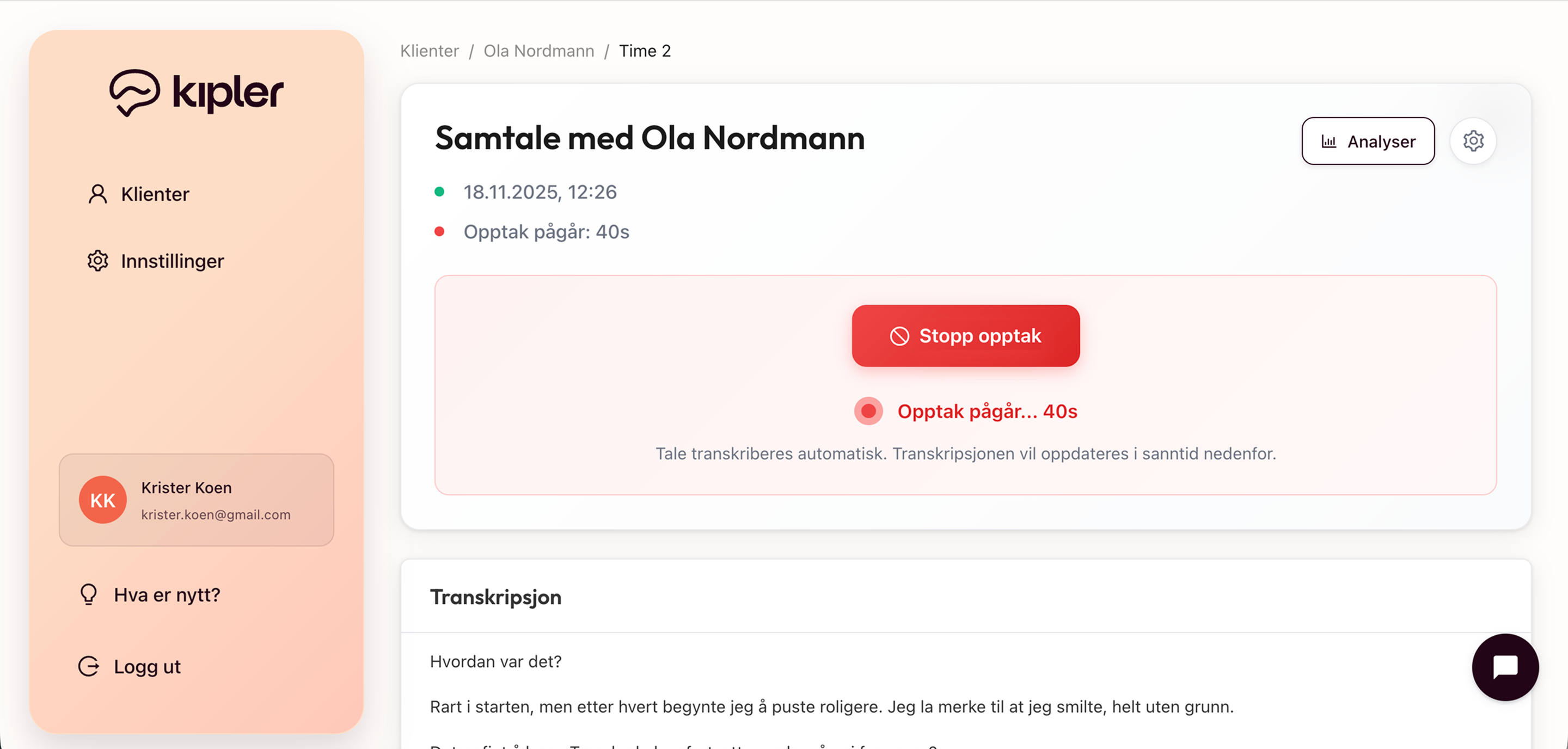
Automatic transcription with AI
Kipler captures the conversation discreetly and transcribes it automatically with advanced AI technology. You get a complete transcription of the conversation in real-time, without needing to take notes or disrupt the flow of the therapy session. Everything happens automatically in the background.
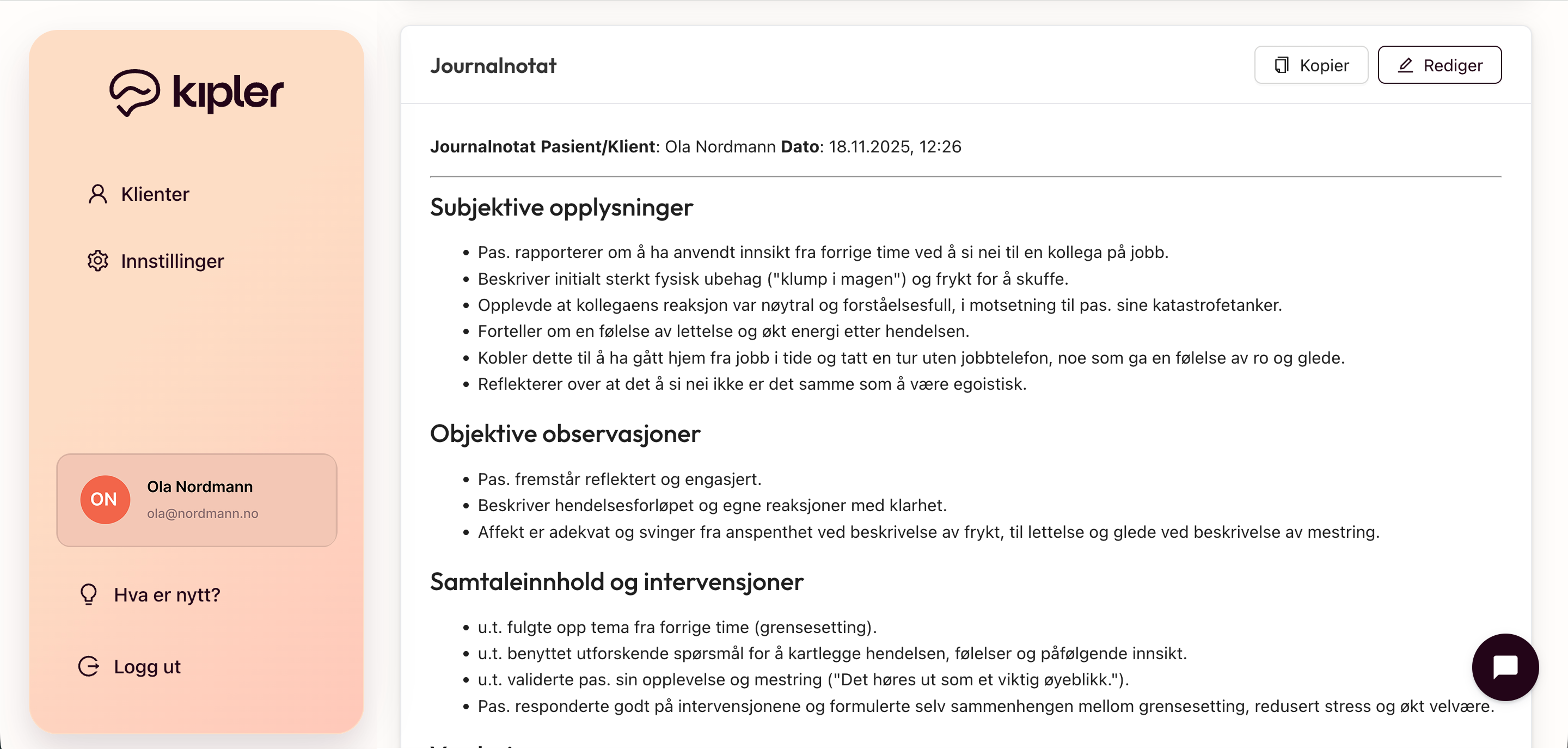
Automatic journaling tailored to your methodology
Get suggestions for journal notes automatically generated, such as regular outpatient notes, initial sessions, or method-specific journal notes, such as CBT, ISTDP, ACT, EFT, or psychodynamic therapy. Save time on documentation and focus on what matters most: the client.
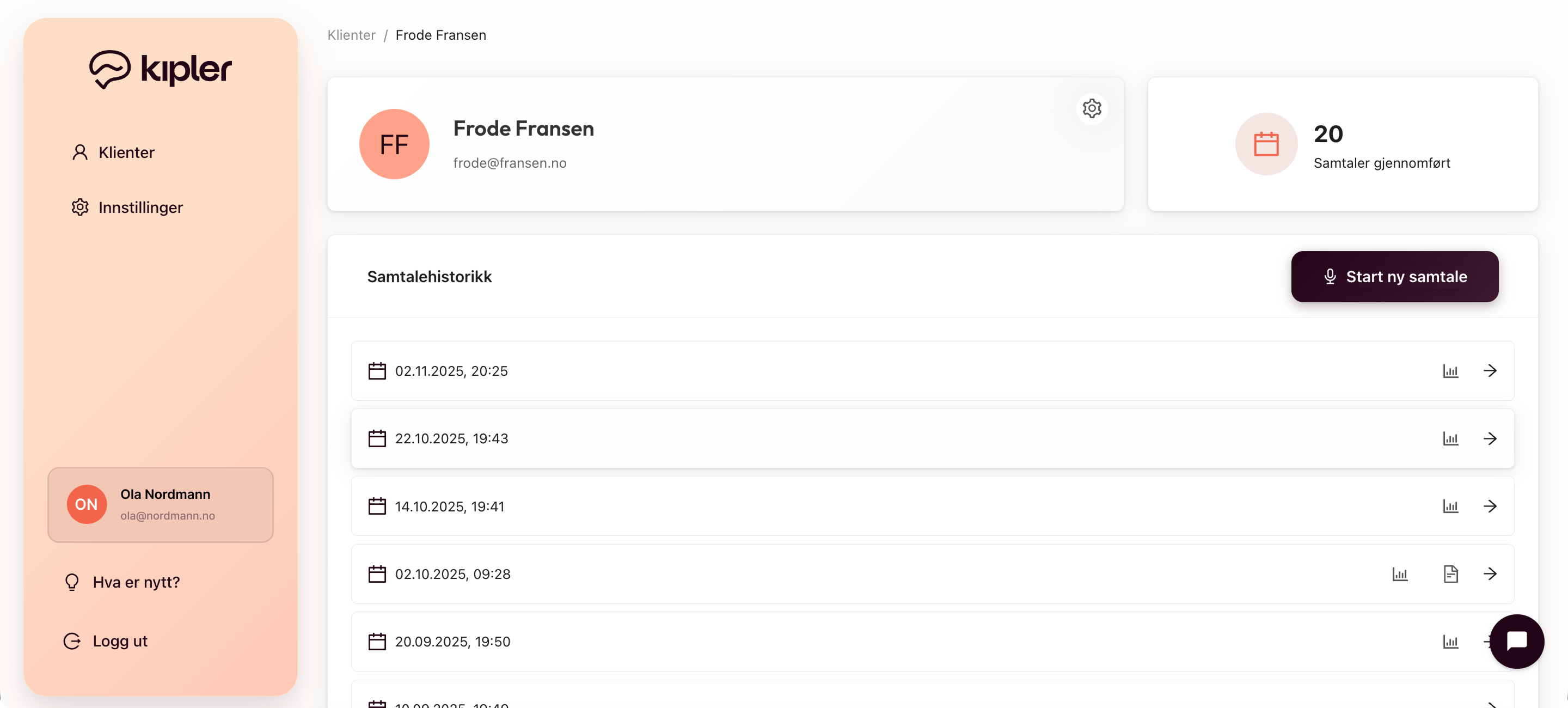
Full overview of conversation progress
See progress over time and improve documentation quality. Get easy access to all your clients and conversations – keep track of conversation progress and structure your documentation.
Functionality in the solution
Automatic transcription
Speak normally during the therapy session. Kipler transcribes the conversation automatically in real-time without disrupting the flow.
Start and stop when you want
You decide when the recording starts and stops. Full control over transcription throughout the entire therapy session.
Method-specific journal notes
Get automatically generated journal notes tailored to your specific therapy approach. Choose from templates tailored to your specific methodology. Supports CBT, ISTDP, ACT, EFT, psychodynamic therapy and more.
Automatic anonymization
Personal names, place names and company names are automatically anonymized. Your data is protected without you needing to do anything.
Copy to clipboard
Easy copying of journal notes to the clipboard. Quickly transfer to your journal system with one click.
Paste manually
Already have transcription from another solution? Paste the text manually and get access to all journal notes functions.
Full overview of conversation progress
Keep track of all clients and conversations. See progress over time and improve documentation quality.
Mobile optimized
Optimal design for all devices. Access all functions on mobile, tablet or desktop.
Secure storage
All data is stored securely in Norway with the highest security standards. GDPR-compliant and developed with a focus on privacy.
Three simple steps
From conversation to journal suggestions in minutes
Transcription of the conversation
Kipler captures the conversation discreetly and transcribes it automatically. Here we collect the foundation for everything that follows.
Automatic journal notes
Journal notes are automatically generated based on your methodology and templates. You get suggestions for structured notes that you can edit and use.
Structured documentation
Get structured journal notes that you can edit and use directly in your journal system.